

Email Overwhelm: How to Face an Inbox With 4,000 Unread
Four thousand unread. You are not behind on email - you are being asked to hold four thousand open decisions in your head at once.
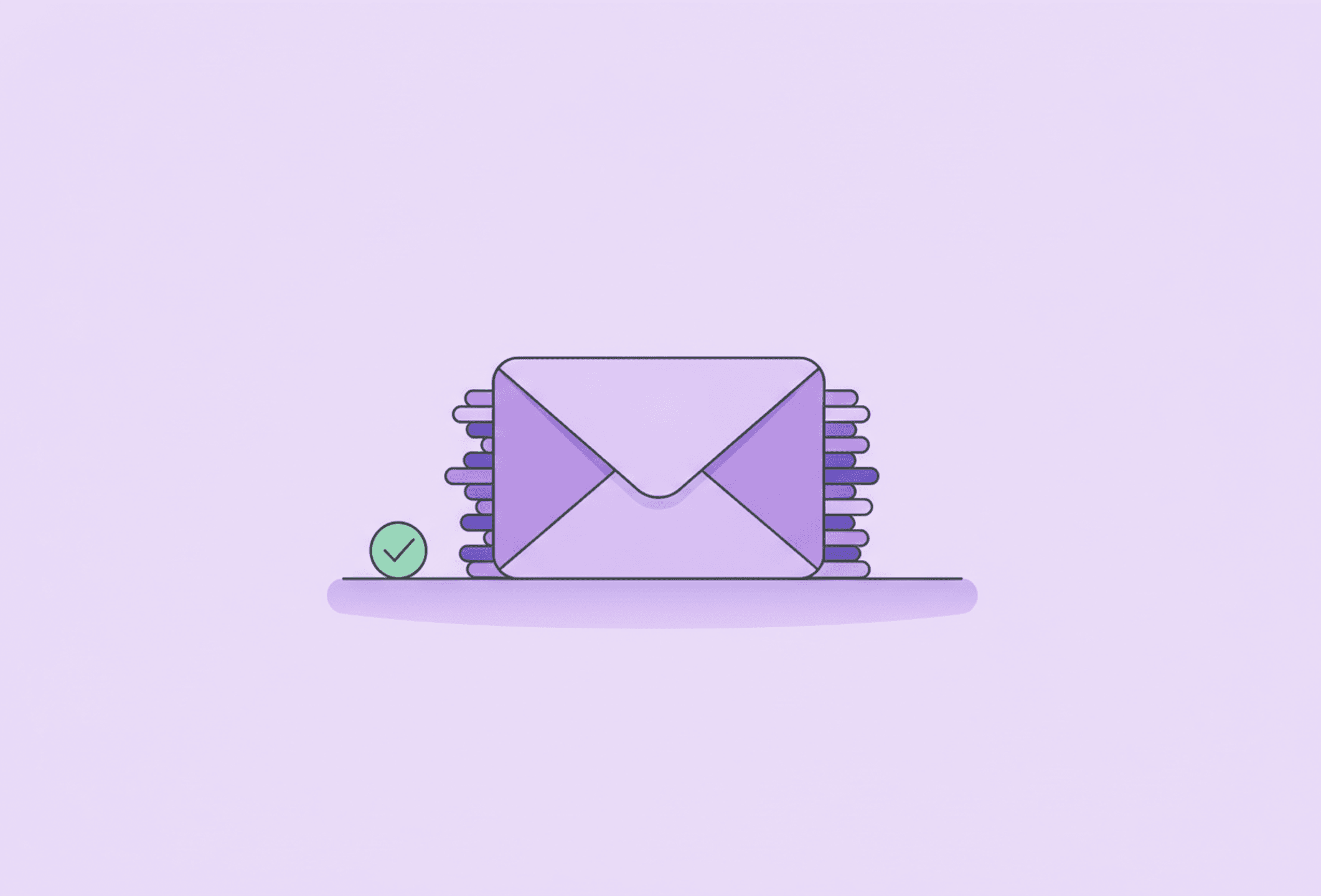
The number in the corner says 4,127. It has said something like that for two years. You open the app, feel your chest tighten, close it again, and now the number is 4,131.
Email overwhelm is not a discipline problem - it is a working-memory problem, because an unread inbox is a pile of unmade decisions and every glance at it asks you to hold all of them at once. That is why you can be perfectly capable at your actual job and still unable to look at a mail app. The task is not reading messages. The task is deciding, hundreds of times, and deciding is the expensive part.
Which means the fix is not "catch up". It is to stop the inbox being a place where decisions accumulate.
First: declare bankruptcy
You are not going to process 4,000 emails. Nobody is. And carrying them is costing you more than they are worth.
So do this in five minutes:
1. Select everything older than two weeks. 2. Move it to a folder called Old inbox. 3. Leave it there.
Nothing is deleted, so nothing is lost, and search still works - which is how you would have found any of it anyway. If something in there was genuinely urgent, the person will send it again. They always do.
What this buys you is an inbox with maybe twenty things in it, which is a size a human can look at. You cannot build a habit on top of a pile that triggers avoidance every time you open it.
Then: a triage pass, not a reply session
The usual mistake is opening email intending to answer everything, running out of energy on message four, and closing it with sixteen half-read. Reading and replying are different jobs and should not happen in the same pass.
Go through the inbox and give every message exactly one of four outcomes:
- Delete or archive - most of it. Newsletters, receipts, notifications, anything you will never act on.
- Reply now - only if it genuinely takes under two minutes. Then it is done and gone.
- It is a task - move the task to your task list, and archive the email. This is the important one.
- Waiting on someone - archive it into a folder called Waiting, so it is out of sight but findable.
No message stays in the inbox because you are "not sure yet". Not-sure-yet is what created the 4,000.
This works partly because it is a single-decision pass rather than four hundred nested ones - the same principle as the one-touch rule: handle each thing once instead of picking it up, putting it down and paying the decision cost again tomorrow.
Your inbox is not your to-do list
This is the structural fix, and it is the one that actually stops the pile coming back.
An inbox is a terrible task list. It is sorted by when other people sent things, mixes urgent with trivial, contains no priorities, and grows while you sleep. Using it as your to-do list means your day is planned by whoever emailed most recently.
So when an email contains something you must do, write the task somewhere else - your task app, your notebook, the list you actually look at - and archive the mail. The email is the reference material. The task is the thing that needs to exist in your system.
That is the whole case for keeping one trusted place outside your head: not because it is tidy, but because a task hiding in an email thread is a task your brain has to keep remembering. In Stedo you can capture it straight into the inbox in the app - free - and sort it later, so the thought is out of your head before the next message arrives.
Keep it from filling up again
Two fixed times a day. Late morning and mid-afternoon, ten to fifteen minutes each. Email checked constantly is email that interrupts everything else all day and still never gets finished.
Turn off email notifications. Every one is an invitation to task-switch, and switching costs far more than the message is worth. This is the single highest-return setting change most people can make.
Unsubscribe as you go. Every newsletter you unsubscribe from is a small permanent reduction in future decisions. Five seconds now against a hundred glances later.
Use filters for anything automated. Receipts, notifications, system mail - route them straight past the inbox into folders. If it never needed a decision, it should never have reached your inbox.
Write shorter replies. Three lines is a complete answer. Much email avoidance is actually avoidance of composing something long and perfect, and no one wants your long perfect email.
When it has piled up again
It will, at least a little, and that is not a relapse. Do the bankruptcy move again: everything older than two weeks into Old inbox, then a triage pass on what remains. It takes ten minutes and it works as many times as you need it to.
The goal was never inbox zero as a lifestyle. It is that opening your email should not feel like being shouted at by four thousand people at once.
Read more
Frequently asked questions
What do I do with thousands of unread emails?
Declare bankruptcy. Select everything older than about two weeks, move it into a folder called Old inbox, and leave it there. Nothing is deleted and search still works, so nothing is truly lost - and anything genuinely urgent will be sent again. What you get back is an inbox small enough to actually look at, which is the precondition for any habit that follows.
Why is email so hard with ADHD?
Because an unread inbox is a stack of unmade decisions, and every glance asks you to hold all of them at once. That taxes working memory rather than motivation, which is why you can be good at your job and still unable to open the mail app. Add the fact that most inboxes double as unofficial to-do lists, and the pile becomes something your brain treats as a threat.
How often should I check email?
Two fixed times a day for most jobs - late morning and mid-afternoon, ten to fifteen minutes each - with notifications turned off in between. Constant checking means email interrupts everything else all day while still never getting finished. If your role genuinely requires faster responses, agree on a real response window rather than defaulting to always-on.
Should I use my inbox as a to-do list?
No. An inbox is sorted by when other people sent things, mixes urgent with trivial, carries no priorities and grows overnight - so using it as a task list hands your day to whoever mailed most recently. When an email contains something to do, write the task in your actual list and archive the email as reference material.