

Visual Timers for ADHD: Make Time Visible
You cannot feel forty minutes passing. You can watch a colour disappear. That difference is the whole trick.
You sat down to answer one email. When you look up, it is dark outside and you have missed the thing you were meant to leave for. Nothing warned you, because nothing inside you was tracking it.
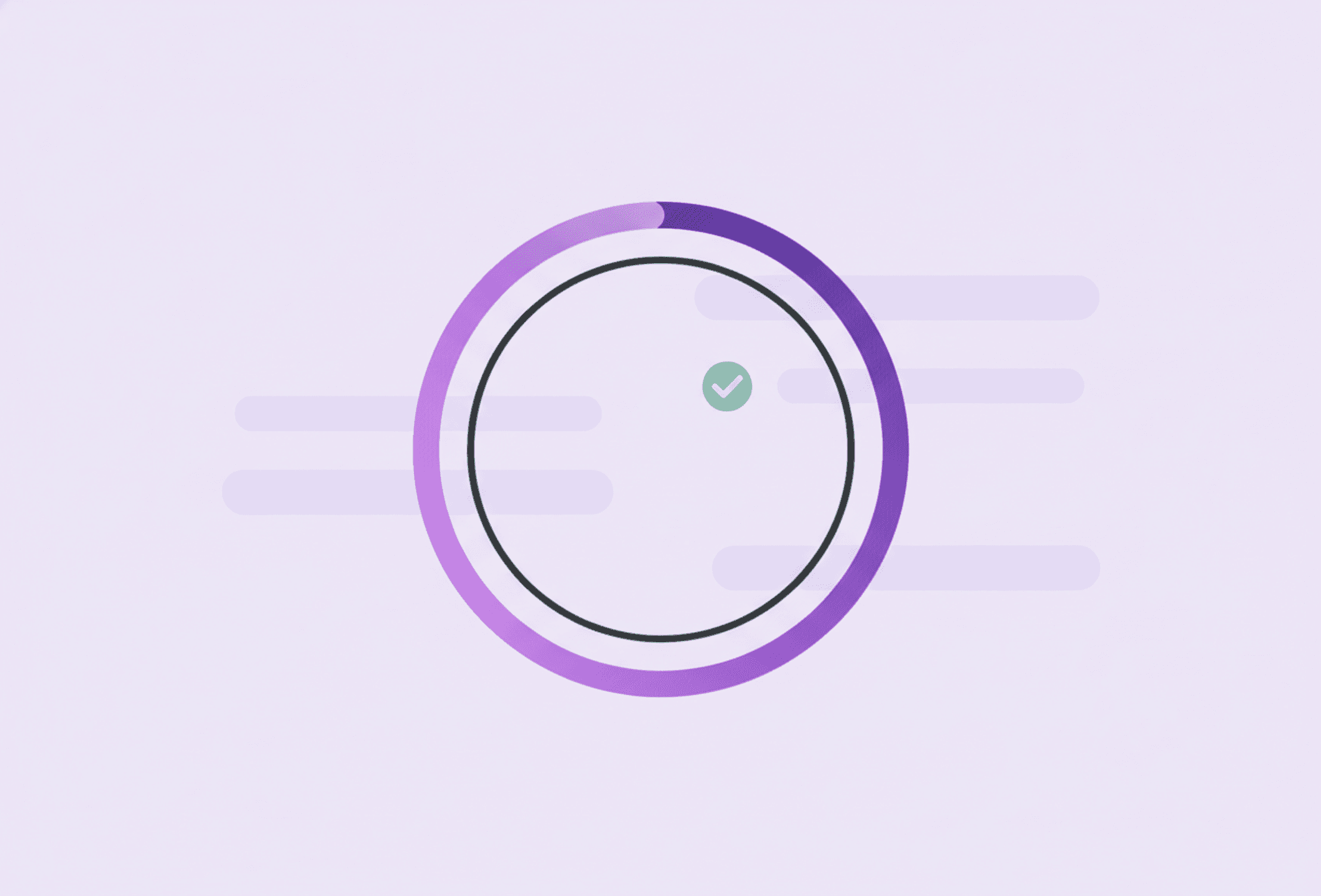
A visual timer is a timer that shows remaining time as a shrinking shape or colour, so you can see time passing instead of having to feel it. That is the entire mechanism, and it is unreasonably effective for ADHD brains, because the thing that is missing is precisely the internal sense of elapsed time.
That missing sense is time blindness: fifteen minutes and ninety minutes register almost identically from the inside. A visual timer does not fix the internal clock. It makes the clock external, which is the only version of this problem that has a practical solution.
Why seeing beats counting
A digital countdown gives you a number. To make that number mean anything you have to read it, compare it to the last time you looked, and estimate how much is left - three small acts of working memory that are exactly what you have less of.
A visual timer skips all of that. The coloured area is either large or nearly gone, and you know which without doing any arithmetic. It also gives you warning: instead of an alarm ambushing you out of nowhere, you watch the end approaching for several minutes. That gap is what makes stopping possible rather than jarring.
Where a visual timer actually helps
Getting started. A short timer turns a vague task into a race with a finish line. "Twenty minutes on this" is a far easier commitment than "do the thing", because the end is visible from the start.
Stopping on time. This is the underrated one. Most people time the beginnings of things. The ADHD-relevant timer marks the end: leave in ten minutes, this block is over now, dinner needs to happen. Alarms that mark endings prevent more lateness than alarms that mark beginnings.
Transitions. The hardest moment in a day is not the work, it is the switch between two things. A visible five-minute wind-down gives your brain a runway instead of a cliff.
Boring meetings and admin. Watching a defined amount of time shrink makes a dull stretch finite. Finite is tolerable in a way that open-ended is not.
Calibrating your estimates. Set the timer for what you think a task will take and see how wrong you were. Do that ten times and you will have a personal correction factor - for most people, close to double.
Which kind to use
Analogue disc timers - the kind where a coloured wedge shrinks as time runs out. The clearest at a glance, no screen, no notifications waiting to distract you. The obvious choice for a desk.
Hourglasses. Silent, charming, no settings to fiddle with. Fixed durations only, which is a feature: nothing to negotiate.
Phone and computer timers. Always available and free, but they live inside the device most likely to eat your attention. If you use one, put the phone face-up and out of reach so it is a timer rather than a temptation.
An app you are already planning in. Stedo has a built-in focus timer, free, which means the timer and the task list are the same place - one fewer app to switch to, and one fewer chance to get lost on the way. It works as a plain timer or as a Pomodoro cycle with breaks.
The best timer is the one within arm's reach when you need it. Two mediocre timers in the rooms you use beat one perfect timer in a drawer.
How to use one without dread
A timer can turn into a small source of pressure if you let it. Some guardrails:
- Be generous with estimates. A timer you routinely blow past teaches you to ignore timers. Set it for longer than feels heroic.
- The timer is information, not judgement. It reports how long something took. It has no opinion about you.
- Always pair it with a planned break. If the end of a block means rest, the end becomes something you are moving towards rather than something closing in.
- One timer at a time. Three concurrent countdowns is not a system, it is background noise.
- Some days, skip it. On a genuinely bad day, a visible countdown can feel like being chased. Use it when it helps and drop it when it does not.
Common mistakes
Blocks that are too long. Ninety minutes sounds productive and collapses at minute twenty. Start at fifteen or twenty-five and grow only if you actually get there.
Using it as a punisher. "I must finish before this runs out" turns a helpful tool into a threat, and threat makes ADHD task avoidance worse rather than better.
Only timing the work. Time the breaks too, or the ten-minute pause becomes an hour. This is where timeboxing earns its keep - every part of the block has a defined size, rest included.
Expecting it to solve motivation. A timer helps you see and stop. If nothing is starting at all, the problem is usually the unclear first step, and the full toolkit for that is in how to stop procrastinating.
Start with one timer, one block
Pick a task today, guess how long it needs, add half again, and start something you can watch shrink. Then notice what actually happened - not to grade yourself, but because that is how the estimate gets better.
You are not trying to develop a sense of time. You are arranging to never need one.
Read more
Frequently asked questions
What is a visual timer and why does it help with ADHD?
It is a timer that shows the remaining time as a shrinking shape or colour rather than a number. It helps with ADHD because the underlying difficulty is time blindness - the internal sense of elapsed time is unreliable - and a visual timer puts that information outside your head, where you can see it without doing any mental arithmetic. It also gives warning before the end instead of ambushing you with an alarm.
Which visual timer is best?
Analogue disc timers are clearest at a glance and have no notifications attached, which makes them a good desk choice. Hourglasses are silent and have nothing to configure. Phone timers are free and always present but live on the most distracting device you own. A timer built into the app you already plan in avoids app-switching entirely. The best one is whichever is within reach when you need it.
How long should a focus block be?
Start at fifteen to twenty-five minutes and only grow it if you consistently reach the end. Long blocks sound productive and tend to collapse around minute twenty, which teaches you that timers do not work for you. Be generous with the estimate too: a timer you routinely blow past trains you to ignore timers.
What if a countdown makes me anxious?
Then loosen it or drop it that day. Set longer durations, always pair the end of a block with a planned break so finishing feels like relief rather than a deadline, and remember the timer is information about how long things take, not a verdict on you. On a genuinely low-capacity day a visible countdown can feel like being chased, and it is fine to work without one.