

Paper vs App Planner: Which Suits You?
Paper and app planners each solve real ADHD problems and each quietly fail in their own way. Here's an honest look at both, plus a simple way to combine them.
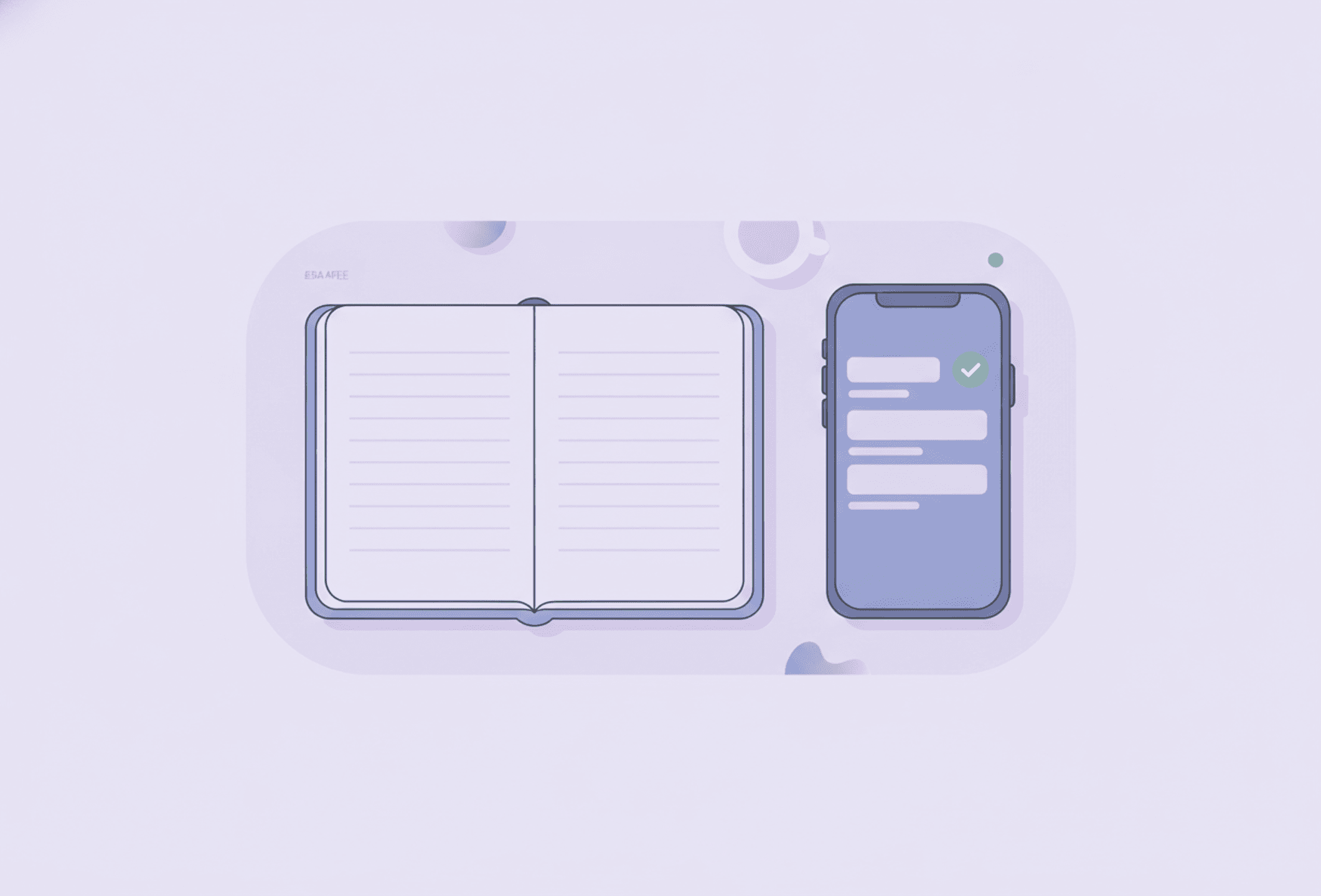
Ask five people with ADHD whether they plan on paper or in an app, and you'll get five confident, completely different answers. Hand a devoted notebook person a slick app instead, or a devoted app person a beautiful notebook, and within a week the system quietly stops being used.
There's no objectively better format — the right planner is simply the one you actually open every day, and that depends more on your own habits than on any feature list.
Why this deserves an honest answer
Most "paper vs app" posts have already picked a winner before the first paragraph. That's not much use if you're trying to build something that actually sticks. Paper and apps each have real, specific strengths, and real, specific weak spots — and for an ADHD brain, the weak spots matter more than usual, because they're exactly where a system quietly stops getting used.
What paper genuinely gets right
- It's visible without being opened. A notebook lying open on the desk is still there, still nagging gently, even when you're not thinking about it. A task inside an app is behind a lock screen; if you don't open it, it doesn't exist to your brain in that moment — the same object permanence glitch that makes bills and errands vanish the second they're out of sight.
- Writing by hand is slower, and that's the point. The extra effort of forming letters engages memory in a way tapping a keyboard doesn't, so writing a task down helps you remember it even before you look at the list again.
- Crossing something off feels good. A pen dragged through a line is a small, satisfying, physical event. Plenty of people find that more rewarding than tapping a checkbox, and reward is not a minor detail for a dopamine-driven brain.
- There's nothing else to open. A notebook can't notify you, autoplay a video, or pull you into someone else's feed. Opening it is opening it, full stop.
Where paper quietly falls apart
- It can't remind you of anything. A notebook only works if you already remembered to open it — which is exactly the skill that's unreliable in the first place.
- It exists in exactly one place. Left in a bag, on the wrong desk, or at home, it isn't helping you at all, and it can't travel with you and also stay put where you'll see it.
- Recurring tasks mean rewriting, over and over. A daily routine or a running list has to be copied out by hand each time, and rewriting the same lines every morning becomes its own chore, one that gets skipped on a bad day.
- Lose it and you lose everything. No backup, no second copy — the whole system rides on one physical object.
What an app genuinely gets right
- Reminders do the remembering for you. The entire point is that you don't have to recall to check it — it interrupts you instead.
- Recurring routines are set up once. A morning routine or a weekly chore only has to be built one time, then it simply reappears.
- It's already with you. Your phone is the one object you're least likely to forget, so the planner rides along by default.
- Capture is instant, wherever you are. A thought at a bus stop can be logged in five seconds, no notebook required.
- Small feedback can make consistency itself feel good. Stedo, for example, is free to use for tasks, routines and reminders, and turns simply showing up into visible points and streaks — a bit of game-like feedback that rewards opening it again tomorrow, not just finishing the task.
Where an app quietly falls apart
- The distractions live on the exact same device. Unlocking your phone to check today's plan puts every other app one thumb-swipe away, and a two-minute check-in can dissolve into twenty.
- Closed is as good as gone. An app with no reminder set doesn't sit on the desk nagging at you the way a notebook does — it needs a notification to resurface, and notifications get swiped away, muted, or ignored without really being read.
The real ADHD lens: consistency beats features
Neither format rescues you from itself. The most feature-complete planner app in the world does nothing if it sits unopened, and the most beautiful notebook does nothing in a drawer. The honest question isn't "which is better" — it's "which one matches how I actually behave when nobody's watching."
Try a hybrid before you pick a side
You don't have to choose only one. A combination that works well for a lot of ADHD brains: paper for the day's top three tasks, written out and left in sight on the desk, and an app for everything else — the full task list, recurring routines, and every reminder. The notebook gives you a visible anchor while you work; the app carries the memory load paper can't.
Try building tomorrow's daily plan in the app tonight, then hand-copy only the top three onto a sticky note or notepad for the desk. Two systems doing two different jobs beat one system trying to do both badly.
A quick self-test
Ask yourself, honestly:
- Do notebooks regularly go missing, get left at home, or pile up half-used? That's a point for apps.
- Do you dismiss phone notifications on reflex, without reading them? That's a point for paper, at least for whatever needs to stay visible.
- Do you have several routines or lists you're rewriting by hand every single day? That's a point for apps.
- Does unlocking your phone reliably turn into ten minutes somewhere else? That's a point for paper, at least for the first look of the day.
There's rarely a clean sweep either way — most people land on a mix, and that's the honest answer this whole comparison was always going to reach.
Read more
- Choosing the best planner app for ADHD
- Building a to-do list that actually works
- How to plan your day with ADHD
Frequently asked questions
Is paper or an app better for planning with ADHD?
Neither wins for everyone. Paper is visible and satisfying to write in but can't remind you or handle recurring tasks; an app reminds you and automates routines but lives on the same device as every distraction. The honest answer is whichever one you'll actually open tomorrow, and for a lot of people that ends up being a mix of both.
Why does handwriting sometimes help more than typing?
Forming letters by hand takes more effort than tapping a key, and that extra effort appears to help the information stick in memory. That's one reason a quick handwritten note can feel more 'remembered' than the same words typed into a phone, even before you look at the list again.
Can I use a notebook and a planner app at the same time?
Yes, and it's a common approach for ADHD. A typical split is paper for the day's top three tasks kept visible on the desk, and an app for the full task list, recurring routines, and every reminder — two tools doing two different jobs instead of one tool trying to do everything.
What's the biggest downside of relying only on a phone app to plan your day?
The plan lives on the same device as every distraction you own. Unlocking your phone to check today's list is also unlocking your phone to check everything else, so a short glance can turn into losing twenty minutes to something unrelated.