

Calendar-Block Your Tasks, Not Just Events
A task on a to-do list can hide there for weeks. The same task on your calendar, with a start time and a reminder, actually happens.
Email the accountant has been sitting on your to-do list for eleven days. It isn't hard, isn't long, isn't even unpleasant — it just never wins in the moment you glance at the list and have to decide what to do right now.
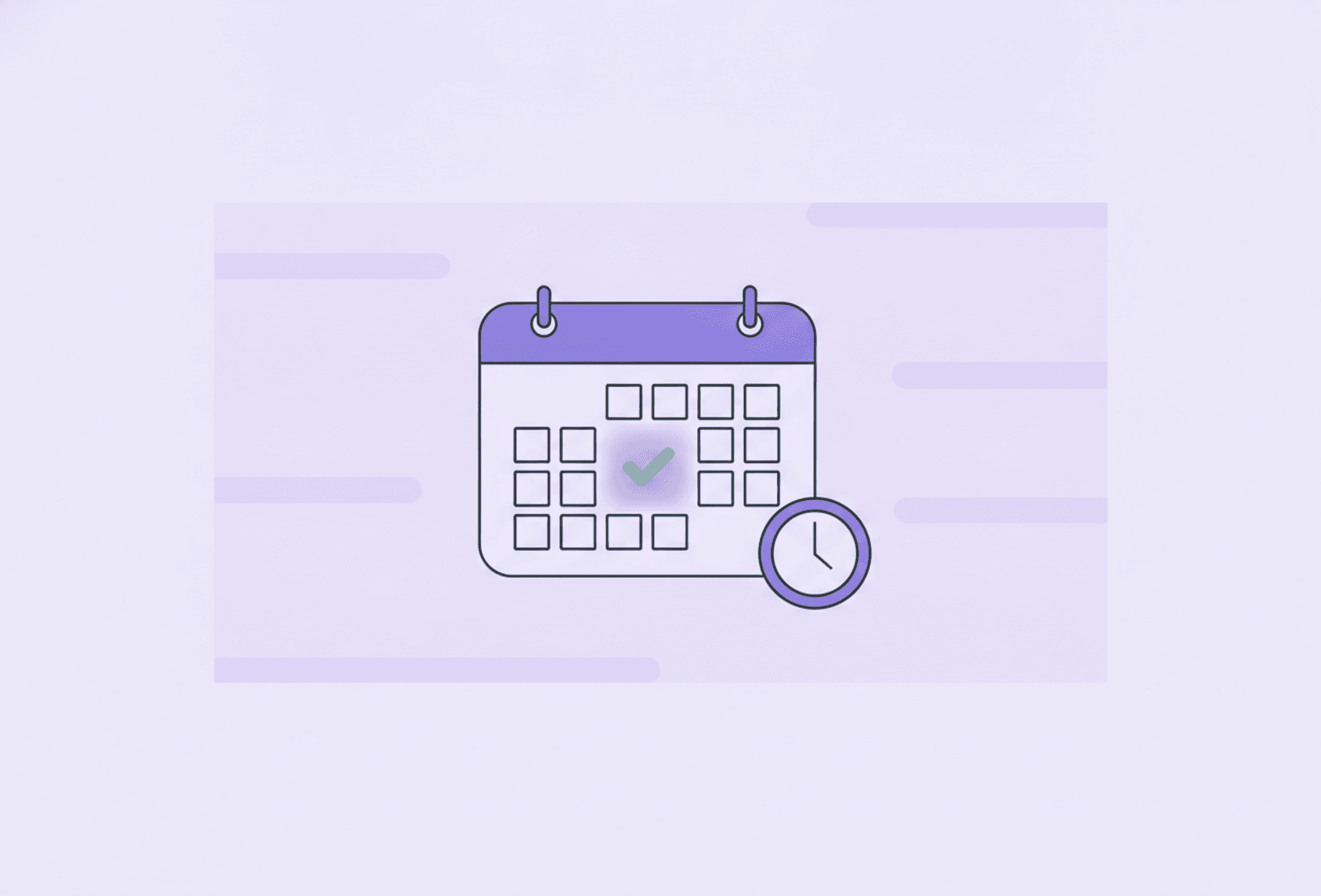
Calendar blocking means giving one specific task its own slot on your calendar — a start time, a realistic length, and a reminder — the same treatment a meeting gets, so the task exists somewhere your day can actually see it.
Not the same thing as time blocking
If you've read about time blocking already, this will sound familiar, and it's worth being precise about the difference. Time blocking divides the whole day into themed chunks: a morning block for deep work, an afternoon block for admin, an evening block for errands. It's a good structure, but it's broad — you still have to decide, once you're inside the admin block, which of the six admin things happens first, and nothing stops three of them from silently competing for the same twenty minutes.
Calendar blocking works one level down. You take the actual tasks — the ones currently sitting on a list, not a category of tasks — and give each one its own dated, timed slot: call the dentist, Tuesday 10:15–10:30. One task. One slot. Nothing left to negotiate once you get there.
Why a list alone rarely gets things done
A list is a collection of things that are all technically true and equally weightless. Nothing on it has a when, so nothing on it has to happen today rather than tomorrow, or tomorrow rather than next week — everything on it is postponable by default.
That's a bigger problem with an ADHD brain than it sounds. Time that isn't attached to something concrete barely registers: later, in a few days, and eventually all feel roughly the same distance away, which is to say, not close at all. A task with no time on it has to compete for attention with your phone, the next new idea, and literally everything more interesting than itself — and most of the time, it loses.
Put a real time on it, and the task stops being a suggestion. It becomes an appointment — with yourself.
How to actually block a task
- Estimate the duration, then pad it. Guess twenty minutes, block thirty. A first estimate almost always runs short, and a block that's already overrunning before it starts isn't much of a plan.
- Protect the slot like a meeting with your boss. If someone asked for coffee at that exact time, the honest answer is I've got something then — because you do. The slot doesn't move just because nobody else can see it.
- Give it one task, not three. 9:00–9:30 admin invites the same standstill as the list did. 9:00–9:30 pay the electricity bill doesn't.
- Attach a reminder. The slot only works if something outside your own memory announces that it's arrived. A notification beats a calendar you forgot to open.
An app like Stedo makes this easy in practice: drop the task straight onto the calendar view with a time and a reminder attached, so the slot doesn't depend on you remembering to check anything — it comes and finds you.
When you miss the slot
You will miss some of them. A call ran long, something else was more urgent, the day had other plans. When that happens, reschedule the task to the next open slot — don't delete it, and don't treat it as a verdict on you.
Deleting a missed task quietly turns not yet into not ever, without you ever actually deciding that. Moving it costs ten seconds and keeps the decision honest: this still needs to happen, just not at 10:15 today.
Don't block every hour
The failure mode in the other direction is scheduling the whole day. If every minute already belongs to something, the first overrun cascades into the next slot, and the next, until the calendar stops describing your day and starts lying about it — which is exactly when people quit opening it.
Leave real gaps between blocks, not just between meetings. Something closer to two-thirds of the day booked and the rest left open is a sturdier target than a calendar packed edge to edge. Block the two or three tasks that actually need a fixed time and a reminder — not everything on the list, or you've just rebuilt the list with timestamps.
Make it part of the plan, not a one-off
Calendar blocking earns its keep as a habit, not a single tidy afternoon. When you sit down to plan tomorrow, look for whatever has been quietly aging on the list, and give the oldest or most important one an actual slot — rather than just copying it onto tomorrow's list again.
A calendar with three real slots on it will get more done than a list with thirty items on it. The list holds intentions. The calendar holds time — and time is the thing an ADHD day runs short of first.
Read more
Frequently asked questions
What's the difference between calendar blocking and time blocking?
Time blocking divides your whole day into themed chunks, like a block for admin or a block for deep work. Calendar blocking is more specific: it gives one individual task — not a category — its own dated, timed slot on the calendar, the same way a meeting gets one. The two work well together; time blocking sets the shape of the day, calendar blocking puts actual tasks inside it.
How long should I make a calendar block?
Estimate honestly, then add a buffer. If you think a task will take twenty minutes, block thirty. First estimates almost always run short, especially with tasks you haven't timed before, and a block that's already behind before it starts sets the whole day off balance.
What should I do if I miss a scheduled task?
Reschedule it to the next open slot rather than deleting it. Missing a slot doesn't mean the task stopped mattering, and there's no shame in a day going differently than planned — that's normal, not a failure. Deleting it is the only real mistake, because it quietly turns a delay into a decision you never actually made.
Should I calendar-block every single task I have?
No — block the handful of tasks that genuinely need a fixed time and a reminder, and leave the rest of the day open. A calendar with every minute claimed breaks the moment one thing runs long, and it stops being useful the moment it stops being honest about your day.
Does calendar blocking work if my day is already full of meetings?
Yes, if you treat your own tasks with the same respect as everyone else's meetings. Look at the open gaps between existing commitments and give one or two of your most important tasks a slot there, protected the same way you'd protect time someone else booked with you.