
Break the big stuff into small steps
Big tasks feel less overwhelming once they're split into small, doable steps. Check off one step at a time.
What you can do
Breaking things down makes the first step easier.
Step by step
Add substeps to a task and take them one at a time.
Check off
The feeling of checking off small steps keeps you going.
AI help
Let AI suggest the steps for you — included in Stedo Plus.
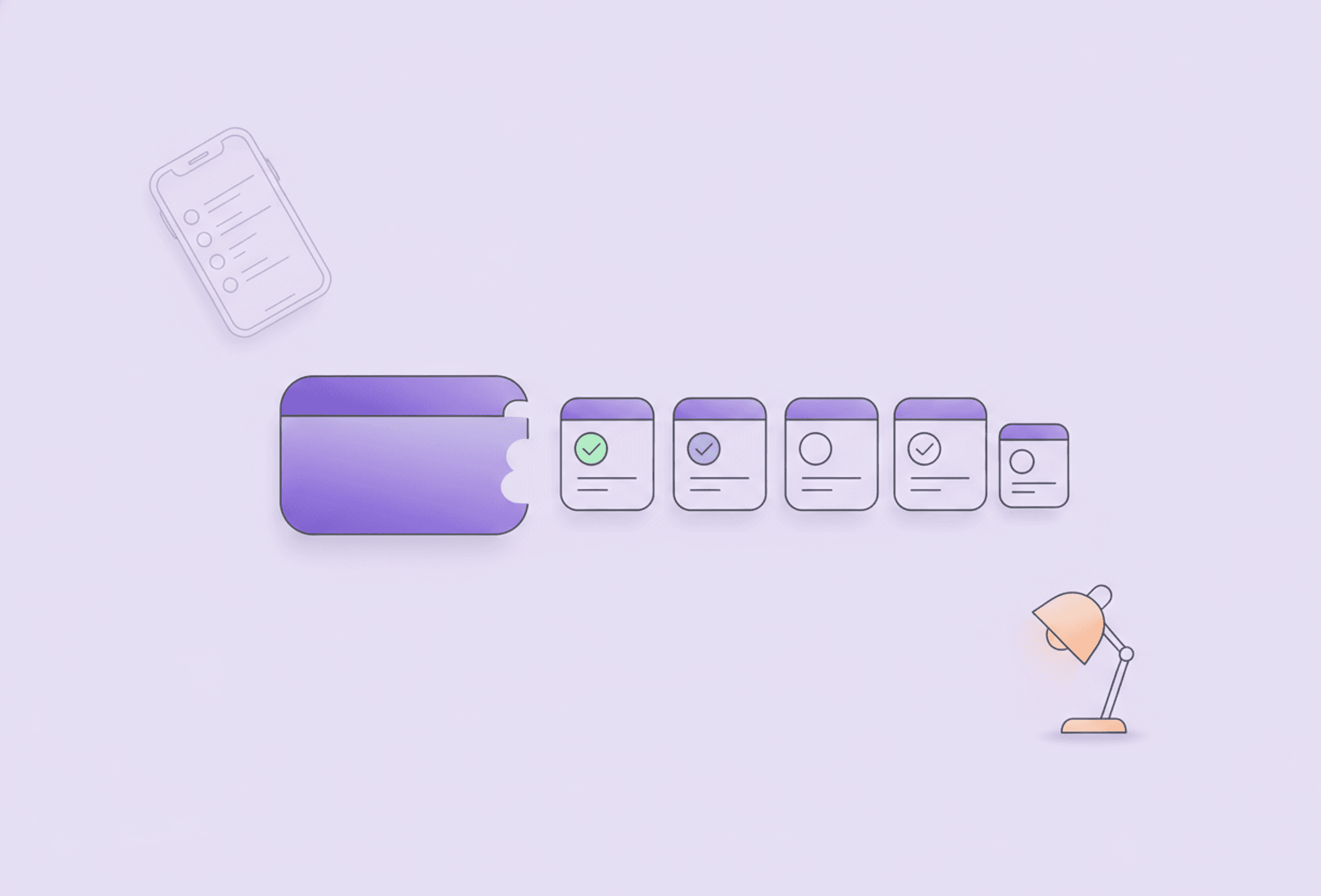
The hard part is starting, not knowing what to do
Most tasks don't feel heavy because they're complicated. They feel heavy because they're big. When the whole task sits in front of you as a single solid block, finding a first move becomes almost impossible. The brain sees the end goal, not the next step, and it's easy to put things off. Breaking tasks down is about removing exactly that threshold.
In Stedo you split a big task into small substeps and check them off one at a time. Instead of "Clean the whole apartment," you get a handful of concrete moves you can actually make. Suddenly there's a starting point, and that's often all it takes to get going.
This page shows how the feature works, when it helps most and how it works together with the rest of the app. If you'd like to see the bigger picture first, take a look at all the features.
Why the start itself is the hardest part
It's tempting to believe a task gets done the moment you make up your mind to do it. In practice, you usually get stuck long before that, in the gap between knowing something ought to be done and actually making the first move. That gap can look small from the outside, but from the inside it's where everything stalls.
A big part of the explanation is that an undivided task offers no natural way in. "Sort out my taxes" isn't an action, it's a whole landscape of actions, and the brain doesn't know where to put its foot. The result is that you look at the task, feel the resistance, and do something else instead. Not out of laziness, but because there was no door to walk through.
When you split the task up, you build that door yourself. The first substep becomes a concrete, contained action you can carry out without thinking about everything else. And the moment you've done that first small thing, you've moved from "should" to "doing," which is the whole difference.
Why splitting tasks up helps
When you split tasks up, several things happen at once. The threshold to get going drops, because you don't have to take on the whole task, just the first small step. And since the steps are already written down, you don't have to hold everything in your head while you work.
That's where a lot of everyday procrastination actually comes from: not laziness, but a task that feels formless and impossible to take in. By working in small steps, you swap "this is too much" for "I can do this in two minutes."
- You can clearly see what's left without having to remember it.
- Each step you check off gives a small sense of moving forward.
- You're spared the mental load of planning while you do.
- A half-finished task is easy to pick back up, because the next step is already there.
This isn't about tricking yourself. It's about meeting your brain where it is: good at single, concrete actions, less good at the vague and the large.
How to break a task down
The feature is deliberately simple. You need no method and no rules, just a task and a first thought about what it's made of.
Add substeps
Open a task and add substeps under it. Write them as you think them, in whatever order feels natural. You don't need to get them perfect from the start — you can always add, remove or move things around as you go. Often the task gets clearer just from writing down its parts.
A good substep is small enough to feel doable right away. Better "Find the invoice" and "Log in to the bank" than one big "Pay the bills." Creating substeps yourself is completely free in Stedo.
Check off one step at a time
Once the steps are there, you work through them one at a time and check each one off when it's done. You only need to focus on the top step. The rest can wait. Checking off isn't just admin — it's a clear signal that something has happened and that you're on your way.
If you like, you can think of the list as a miniature to-do, embedded in a single task, where each line is small enough not to put you off.
When it all feels overwhelming
Some days it isn't enough that the task is big — everything feels big. That's when breaking things down is most valuable. Shrink the task until the first step is almost absurdly small: "Open the document." "Get the vacuum out." "Write one sentence."
The point isn't for the first step to solve anything. The point is to get moving. Once you've done that first small thing, the next step often gets easier on its own, because you've already broken the standstill. For more thoughts on how focus and getting started connect, there's the blog on focus.
Let AI suggest the steps
Sometimes you know a task needs splitting up, but you can't muster the energy to work out how. That very moment can be the hardest. You can then let AI suggest the substeps for you, either by writing what the task is about or by saying it with your voice. You get a suggested breakdown that you can then adjust, remove from or build on, just as usual.
Letting AI suggest the steps is included in Stedo Plus. Creating substeps manually is and remains free — the AI is there for the times when the splitting itself feels like a hurdle of its own. The feature ties in with the app's wider AI planning, so you can lean on a little extra support when the day calls for it.
Stedo is a tool for planning and everyday structure, not a medical device or a treatment. The AI suggestions are just that — suggestions; you always decide for yourself what ends up on your list.
Combine with the focus timer
Breaking things down and time go together. With your substeps in front of you, you can start the focus timer and take one step at a time while it counts down. Instead of trying to do everything at once, you give yourself a contained window and a single small goal.
The combination is especially nice for tasks that otherwise drag on. You don't have to decide that you'll finish, just that you'll work on one step for as long as the timer runs. You often get further than you thought, and even if you don't finish, you've moved the list forward by several checked-off lines.
- Start the timer and take the top step first.
- Check things off as you go, with no stress about the rest.
- When the timer rings, you can pause with a clear conscience — the list remembers where you were.
Breakdown and routines in the same flow
A single breakdown helps you through a task right now. But many of the tasks we put off are ones that recur: the laundry, the bills, the weekly cleaning. Working out the same split over and over becomes a waste.
That's where breakdown and routines meet. A routine is a task you do regularly, and there's nothing stopping that task from having its own substeps ready every time. When it comes up, you don't have to figure out how to tackle it — the steps are already there and you can start checking them off straight away.
- Give your recurring tasks a fixed set of substeps you trust.
- Skip replanning every time, and start on step one right away.
- Use the focus timer on the routine just like any other task.
Together, breakdown, routines and the timer form a calm structure rather than three loose tools. You can explore how the parts fit together among all the features.
Examples of breakdowns
It can be hard to see how a task should be split before you've tried. Here are a few everyday examples of how a big block can become manageable small steps. Notice the difference between the undivided task and the lines below it.
- Clean the kitchen: Do the dishes, wipe the counters, take out the rubbish, sweep the floor.
- Study for an exam: Gather the material, read one chapter, write three keywords, take a short break, do it again.
- Boring admin: Find the paper, log in, fill in the fields, submit, save the confirmation.
- A project that feels unmanageable: Write down everything you can think of, mark the first thing that has to be done, just do that today.
- The laundry: Sort, start the machine, hang or fold, put it away in the wardrobe.
- Pay the bills: Find the invoice, log in to the bank, enter the amount, approve, check it off.
Notice how each step is small enough to feel doable in one go. That's the whole idea: a task stops being scary the moment it becomes concrete. "The laundry" is a formless lump you want to avoid, but "sort" is something you can do in thirty seconds.
Adjust the steps over time
Your first breakdown doesn't have to be the final one. On the contrary, it's meant to change. The first time you split a task up you're guessing your way through, and that's perfectly fine. It's when you actually work through the steps that you notice what fits and what doesn't.
Maybe a step was still too big and needs splitting in two. Maybe a step turned out to be unnecessary, or the order came out wrong. All of that can be corrected as you go. You can add, remove and rearrange steps at any time, so the split follows how the task actually feels to do, not how you thought it would feel.
For recurring tasks, this adjustment is extra valuable. Bit by bit, your routines' substeps get honed into a split that really suits you, and next time you start with a list you already know works.
Get started
You don't have to change how you plan to get something out of this. Next time a task feels too big, open it and write down the very first step. Just that. Then the next. Before you know it, you've got a list you can work through, and a task that no longer feels impossible to start.
Feel free to explore all the features to see how breakdown, the timer and planning form a calm whole in Stedo.
Frequently asked questions
Make the big stuff manageable
Download Stedo and split your first task.


Available for iPhone and Android.