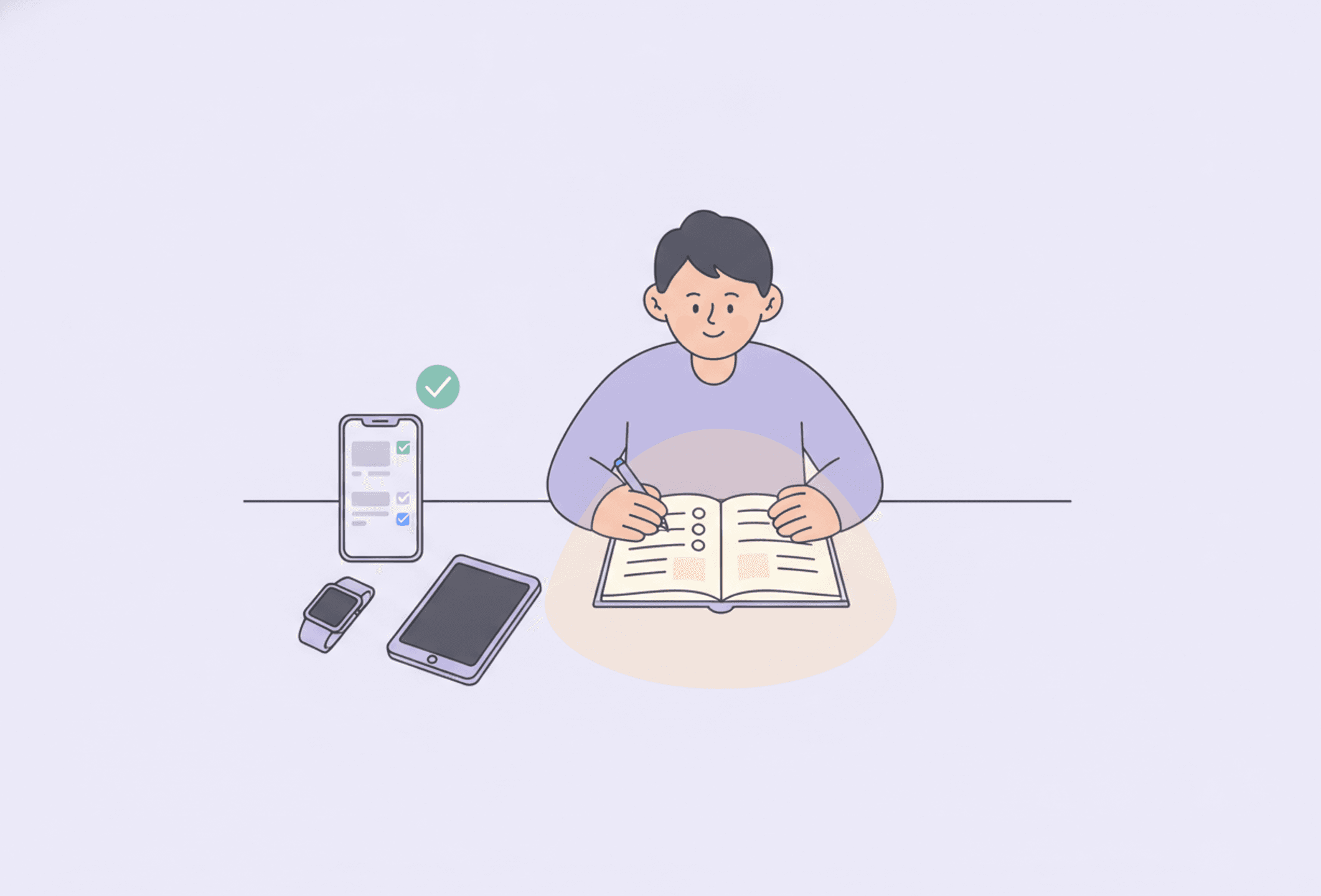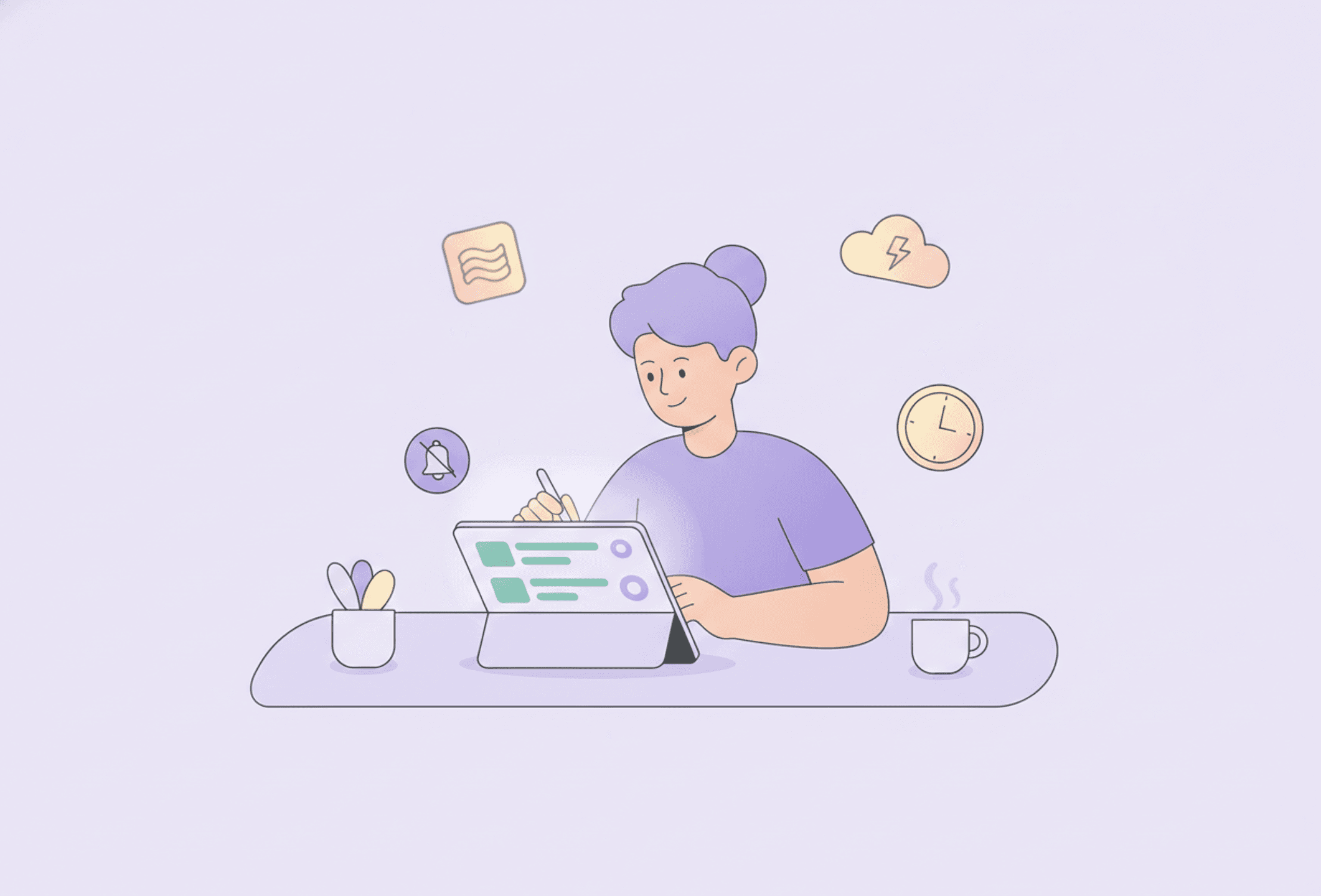


Tame Your Notifications for Better Focus
Every buzz is an invitation to stop what you're doing, and ADHD makes it hard to refuse. Taming notifications is a ten-minute fix with a big payoff. Here is how.
Every buzz, banner and badge is a tiny invitation to stop what you are doing. For an ADHD brain, which already finds attention hard to hold, that invitation is almost impossible to refuse. Taming your notifications is one of the highest-impact things you can do for focus, and it takes about ten minutes. Here is how.
Why notifications are so costly
Each notification does two things: it pulls your attention away, and it offers a little hit of novelty your brain is primed to chase. Even ignoring one has a cost, because part of your focus snags on it. For ADHD brains, the pull is stronger and the recovery slower, so a steady drip of pings quietly shreds your concentration all day.
The goal: notifications should serve you
The aim is not zero notifications; it is that the only things allowed to interrupt you are the ones that genuinely deserve to. Everything else should wait until you choose to look. You decide when to check; your apps do not get to decide for you.
Do a ten-minute notification declutter
- Turn off the noise. Go through your apps and switch off notifications for anything that is not time-sensitive: social media, games, shopping, most apps. Be ruthless; you can always turn one back on.
- Keep only what matters. Calls, messages from real people, calendar alerts, keep these. Mute the rest.
- Silence badges and banners too. The little red dots and previews are pulls even without a sound. Turn them off where you can.
- Group or schedule delivery. Many phones can batch non-urgent notifications into a couple of digests a day instead of a constant stream.
Use focus modes
- Do Not Disturb or Focus. Switch it on for any block of real work; let only a short list of people through.
- Schedule it. Set focus mode to turn on automatically during your work hours so you do not have to remember.
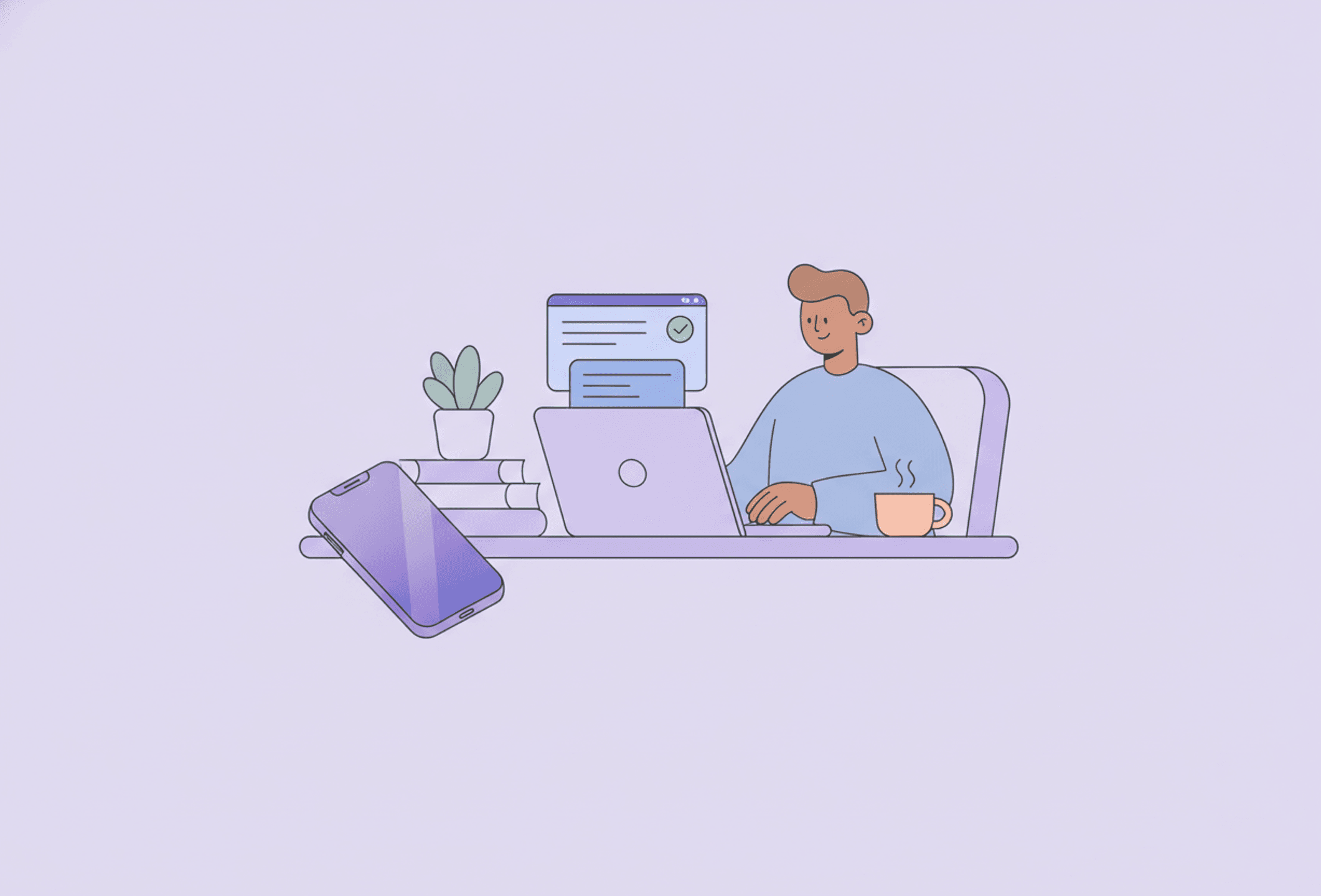
- Phone out of reach. The most reliable notification setting is distance: another room, a drawer, face down across the desk.
Decide when to check, on purpose
Instead of reacting to every ping, check messages and email at set times, say a few times a day. Batching your checks means you handle them in one focused pass instead of being yanked out of work twenty times. It pairs naturally with single-tasking.
Extra tricks
- Greyscale. A black-and-white screen makes your phone far less magnetic.
- App timers. Set daily limits on the apps that eat your attention.
- Log out or remove. For the worst offenders, log out or delete the app from your phone entirely.
The payoff
Notifications feel essential, but most are not; they are just loud. Turn off the noise and you reclaim the thing ADHD makes scarcest: an unbroken stretch of attention. It is one small setup session for a calmer, more focused every day.
Read more
Frequently asked questions
Why do notifications hurt focus so much with ADHD?
Each notification pulls your attention and offers a hit of novelty the ADHD brain is primed to chase. The pull is stronger and recovery slower, so a constant stream of pings steadily breaks concentration all day.
How do I reduce notifications?
Turn off notifications for anything not time-sensitive, keep only calls, real messages and calendar alerts, silence badges and banners, and batch or schedule the rest. It takes about ten minutes.
What is a focus or do-not-disturb mode?
A phone setting that silences notifications, optionally letting a short list of people through. Schedule it to turn on during work hours so you do not have to remember, and keep your phone out of reach.
Should I check messages at set times?
Yes. Checking email and messages a few set times a day, instead of reacting to every ping, lets you handle them in one focused pass and protects long stretches of attention.